Menu bar with tabs setting
in 3.7 pre-rel
The new
ShowMenubarWithTabs advanced setting controls whether the menu bar is shown when tabs are on. CmdToggleMenuBar updates it.Edit screenshots before saving
Take Screenshot opens the captured image in the image save/crop/resize window, where you can crop, resize and pick a format before saving.Overlay scrollbar arrows and theme look
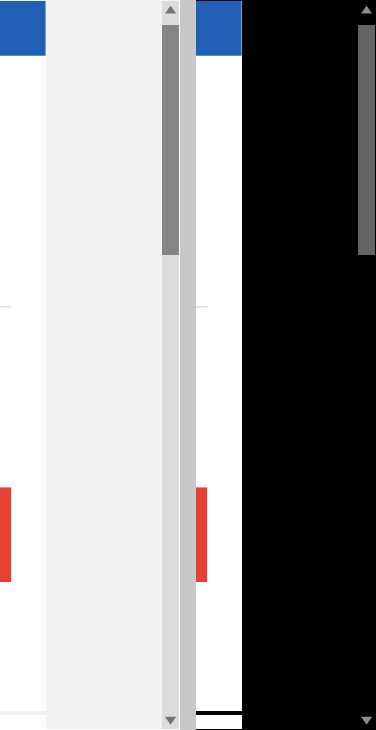
The overlay scrollbar has filled triangle arrows. With non-default themes, the thick scrollbar is drawn opaque.
Easier tab closing on touch screens
The tab close button is easier to hit on touch screens (#5440).