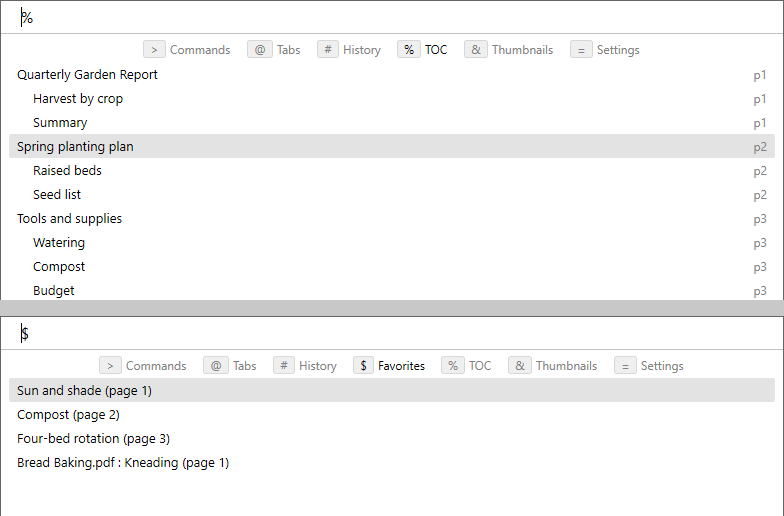
Table of contents and favorites modes in the command palette
in 3.7 pre-rel
The command palette has two new modes.
% mode (Navigate Table Of Contents, CmdNavigateTableOfContents, Shift + F12, or type % at the document) shows the whole table of contents, with the entry nearest the current page already selected, so you can jump to any chapter by typing part of its name (#5676). $ mode (Navigate Favorites, CmdNavigateFavorites, or type $ at the document) lists favorites, starting with those of the current document, then other documents.