Save selection as image
in 3.7 pre-rel
Save As Image… (
CmdSaveSelectionAsImage) saves a rectangular selection (Ctrl+drag) as a PNG, JPEG, BMP or GIF file, at a DPI you choose that doesn’t depend on the current zoom (#6127).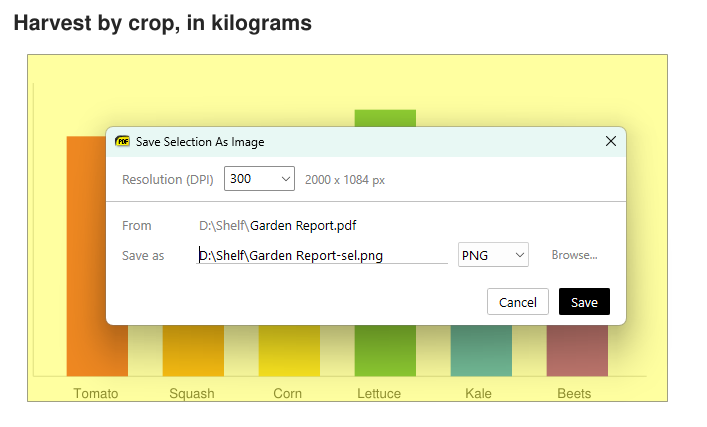
Trim Empty Margins
Toggle Trim Empty Margins (
CmdToggleTrimEmptyMargins) hides the empty margins around page content, as if they weren’t there. Margins are detected as pages are shown.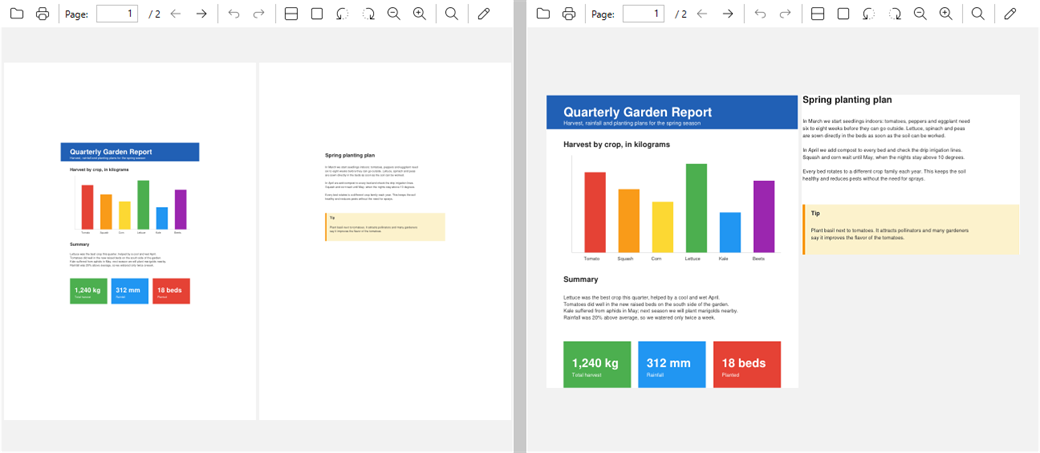
Edit any setting from the command palette
The command palette’s
= mode now lists all advanced settings with their current values, with changed settings shown in bold at the top. Enter toggles true/false settings. For other settings you type or pick a value, e.g. =ZoomIncrement = 25, and it applies immediately.-html-backend command-line option
New
-html-backend <ie|webview2> command-line option picks the browser engine used to show CHM and Markdown documents.