Many new printing options
in 3.7 pre-rel
The Advanced print dialog has new options, each with a matching
-print-settings value:- Print each page at its document page size (
paper=auto) for documents with mixed page sizes (#533) - Choose paper source by document page size (
bin=auto) (#349) - Center page horizontally on the paper (
center) (#348) - Stretch pages to fill paper (
stretch) (#2220) - Rotate printout (
rotate=90|180|270) (#1246)
The new
PrinterDefaults.Collate setting sets the default of the Collate checkbox, and collate / nocollate control it from the command line (#1558). The print job is named after the file name, not the full path (#2166).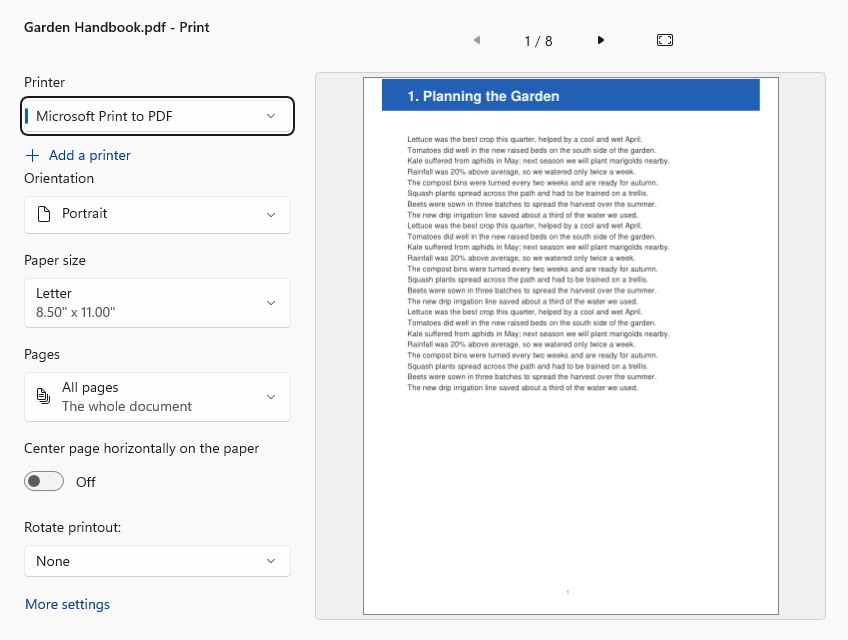
Smarter command-line printing
Printing from the command line uses print defaults stored in the PDF itself (scaling, number of copies, duplex, paper tray).
-print-settings values override them, and ignore-pdf-print-settings turns them off (#534). -print-to / -print-to-default return a different exit code for each kind of failure, so scripts can tell why printing failed (#3478). -print-dialog now shows the print dialog even when combined with -print-to (#3975).Convert Image to PDF
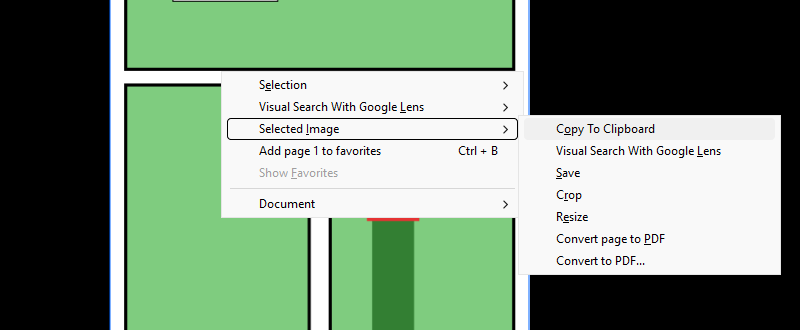
Save an image as a PDF: right-click an image, or an open image document, and choose Selected Image / Convert page to PDF, or pick PDF as the format in the Save Image dialog (#949).
Triple-click selects a line
Triple-click selects a whole line of text. Double-click still selects a word (#694).
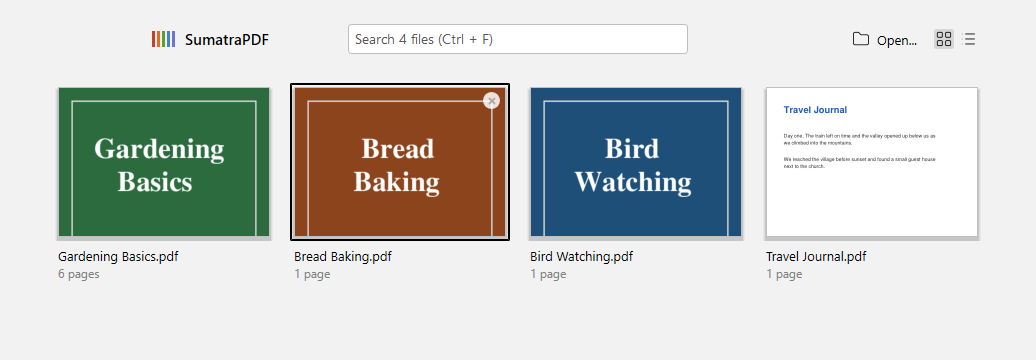
Remove button on Frequently Read thumbnails
When you hover over a thumbnail on the Frequently Read home page, a ✕ button in its corner removes that document from the list (#283).
Favorites improvements
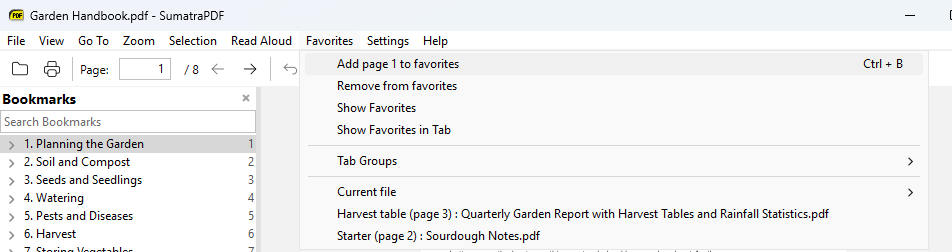
Favorites for files with long names show your favorite’s name before the file name, so the name stays visible (#829). In the Favorites sidebar, the arrow keys move through the list without jumping to each favorite, and Enter opens the selected one (#1936). Clicking the current bookmark again navigates to it (#2465).
New DDE commands and forced on/off toggles
For programs that control SumatraPDF through DDE, there are new requests:
[GetFileState] (path, zoom, view mode, current page and page count), [GetOpenFiles], [GetMousePos] (document position under the mouse) and [GotoPageWord] (find a word only on a given page). [SetView] accepts zoom 0 to keep the current zoom (#483, #5060, #1411, #3085, #5068). Toggle commands such as CmdToggleFullscreen, CmdToggleToolbar or CmdToggleContinuousView accept an on/off argument, e.g. [CmdToggleFullscreen on] (#5067).Smaller improvements
- Case-insensitive search treats German ß as
ss(#933). - In presentation mode, pressing the black-screen (
.) or white-screen (W) key again returns to the slide (#2820). EbookUI.FontSizecan be larger than 30 (#2276).- Tab tooltips follow the
FullPathInTitlesetting (#3024). - The “found text” / “no matches” message goes away by itself (#4473).
- Save As shows a warning when a file can’t be written instead of failing silently (#1016).