Current search match stands out
in 3.7 pre-rel
When searching, the current match is now highlighted with your
FixedPageUI.SelectionColor and all other matches use a secondary orange color, so it’s easy to see which match you’re on (#5740).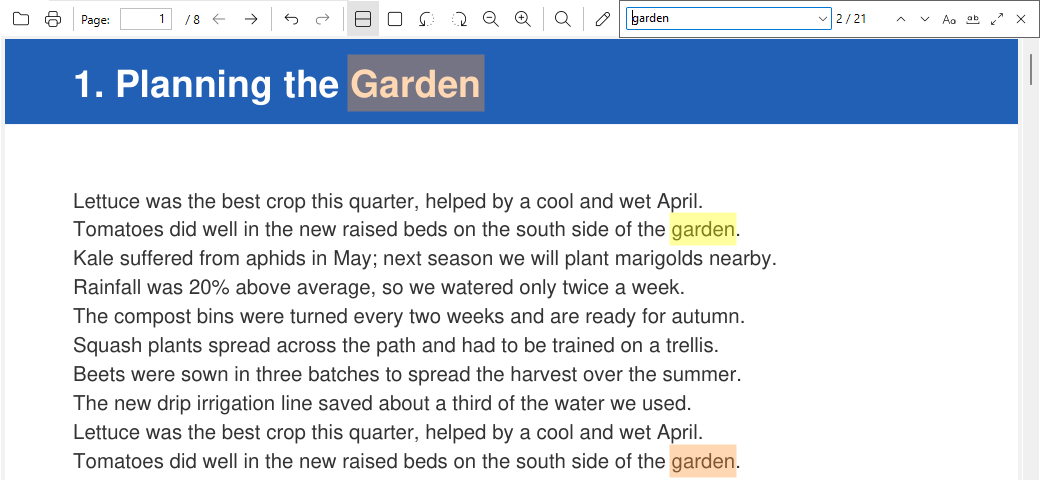
Toolbar buttons for external viewers with text or SVG icons
External viewers configured in the
ExternalViewers advanced setting can now appear as toolbar buttons, using the new ToolbarText (text label) or ToolbarSvgIcon (SVG icon) parameters (#5741).
Find in CHM help files
Ctrl + F in CHM files now opens a find bar to search the current page, and the toolbar’s Search button is available for CHM documents too. App keyboard shortcuts also work while the CHM page has focus (#5735).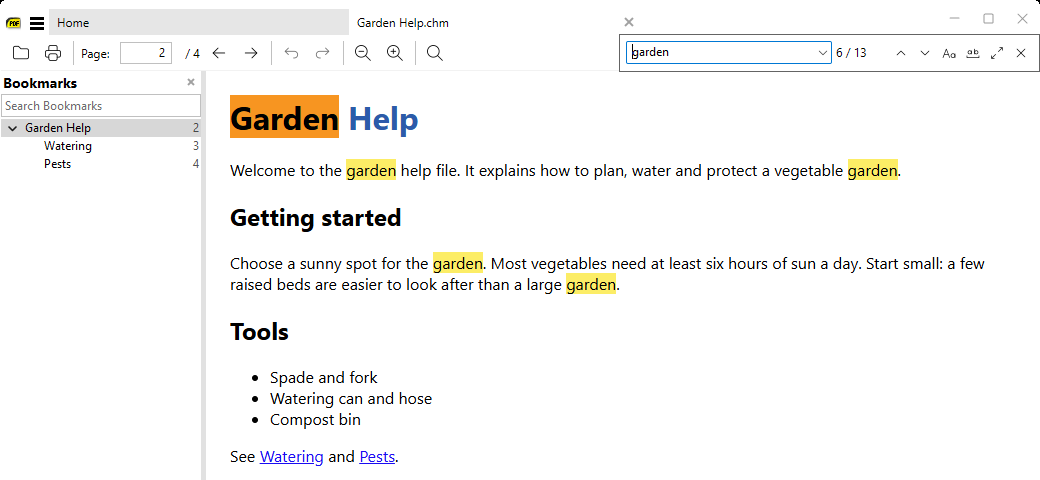
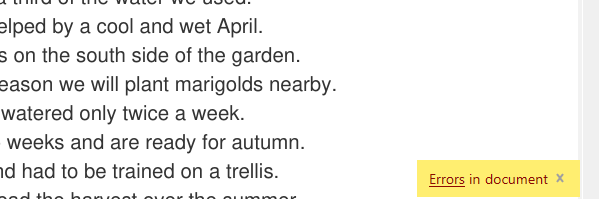
"Errors in document" notification
When a document loads with errors, a notification “Errors in document” appears with a link that opens the Show Errors dialog.
One-click updates for pre-release builds
Pre-release builds check for updates at every startup. When a newer build is available, a notification in the bottom-left corner offers Download and update, which downloads and installs it without further prompts.
More related file extensions recognized
.ai (Adobe Illustrator, opens as PDF), .ora, .djv (DjVu), .xod and .dwfx (XPS) files are now recognized and opened with the matching viewer (#1678).`-dump-chm` command-line flag
New
-dump-chm <file> command-line option lists the contents of a CHM file and prints its table of contents and index information, without opening a window (for diagnostics).