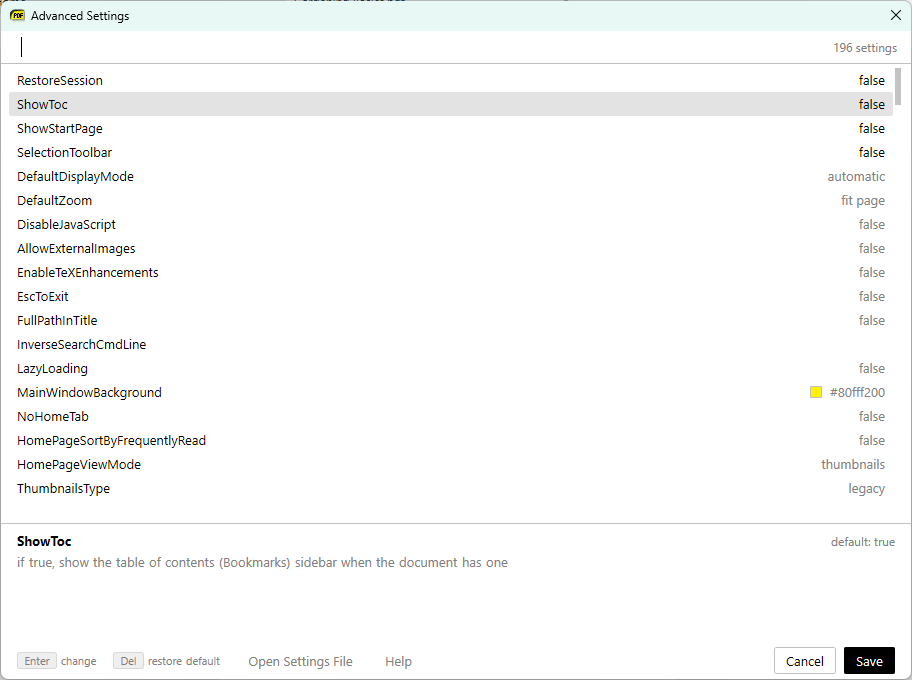
Advanced Settings dialog
in 3.7 pre-rel
The new Advanced Settings… dialog (
CmdAdvancedSettings, Settings → Advanced Settings…) lets you edit advanced settings inside the app instead of in a text file. It has a filterable list where you can toggle on/off settings, pick from drop-downs and edit text, colors and numbers in place. The help text for the selected setting appears below the list, and settings that differ from the default stand out from the rest. Save applies the changes right away, and Open Settings File is still available.