Floating selection toolbar
in 3.7 pre-rel
After you select text, a small toolbar appears next to the selection with Copy, Read Aloud, Highlight, Underline, Squiggly and Strike Out. The annotation buttons only appear for documents that support annotations. Turn it off with the
SelectionToolbar advanced setting. It was ported from the SumatraPDF Plus fork.Clearer CAD / engineering drawings
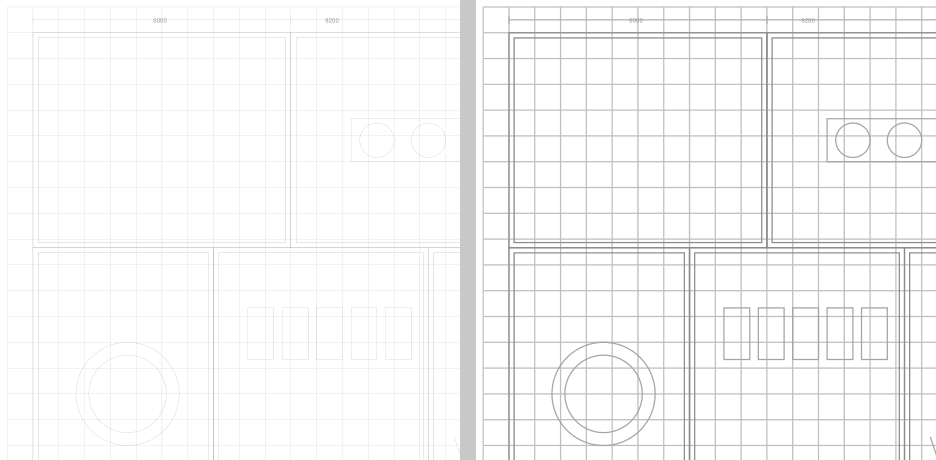
PDFs of CAD and engineering drawings are easier to read, especially when zoomed out. Very thin lines get a minimum width that depends on zoom, and pale gray lines are darkened. Turn it on with the
EngineeringDrawingEnhance advanced setting: auto enhances drawings it detects, on enhances every PDF and off is the default. You can also turn it on or off per document with Toggle Engineering Drawing Enhancement (CmdToggleEngineeringDrawingEnhance) in the command palette.