Disable Links
in 3.7 pre-rel
New
DisableLinks advanced setting (off by default): when on, links in the document are ignored, so you can select text and read without following them by accident. This helps with drawings and schematics that are full of links. Turn it on or off with Toggle Disable Links (CmdToggleDisableLinks) in the command palette. The existing Toggle Show Links only outlines links in blue and does not disable them (#5939).Keep your zoom when following bookmarks and links
New
IgnoreDestinationZoom advanced setting: when true, clicking a bookmark or an in-document link still goes to the target page and position, but keeps your current zoom instead of switching to the zoom the link asks for. Adobe Reader and Foxit have the same option. Off by default (discussion #5938).Toggle Citation Hover Preview command
Toggle Citation Hover Preview (
CmdToggleHoverPreview) in the command palette turns the citation/reference hover popup on or off.Annotation hover shows contents and author
Hovering an annotation shows its contents, and the tip also appears while you are editing. With
ShowAnnotationAuthorInTooltip = true the tip also shows the author, including for free text annotations (#5329).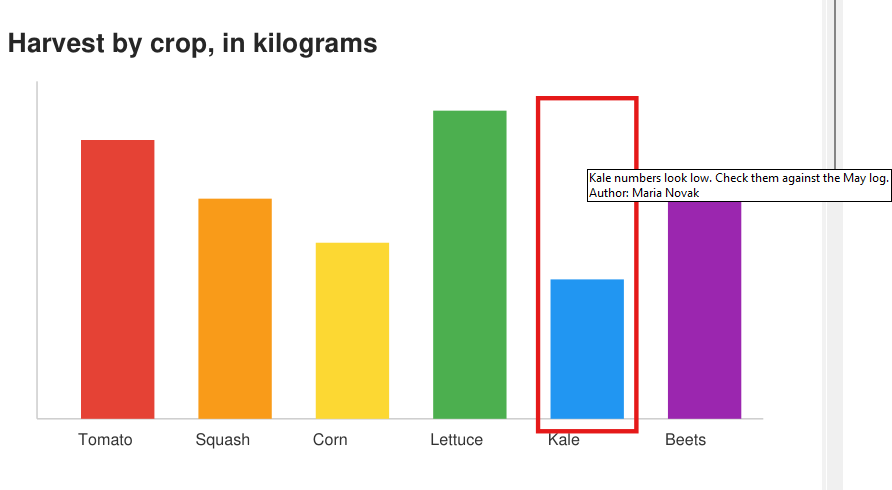
Settings and color dialogs no longer block the window
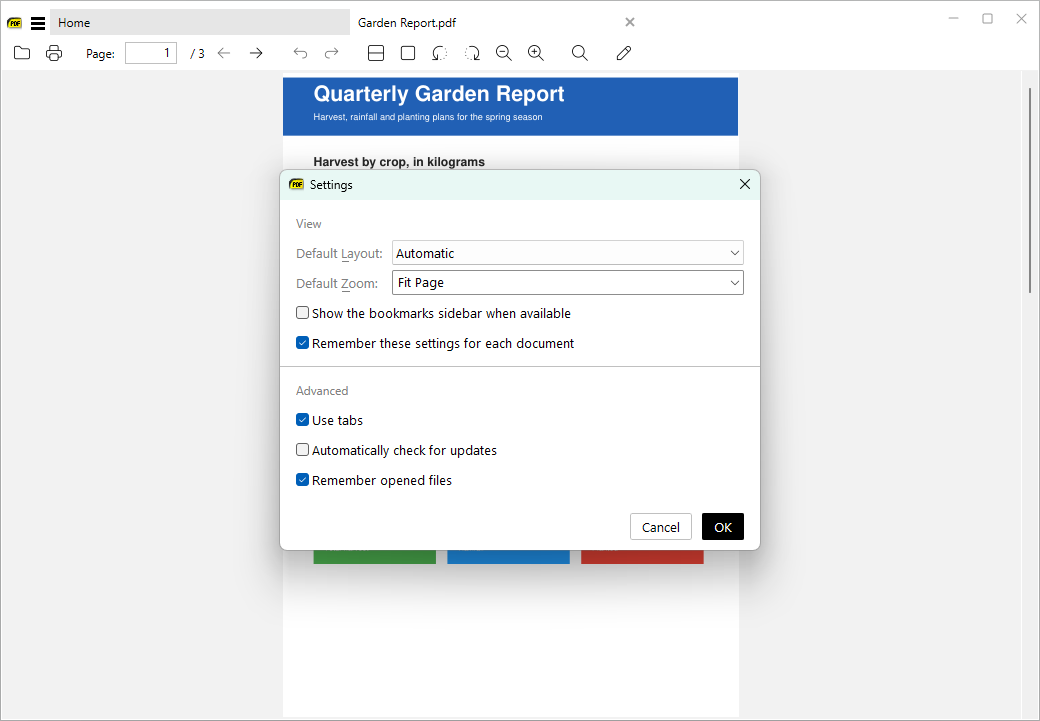
Settings… and Change Background Color / Change Tab Color now open in separate windows, like Change Theme, so you can keep using the main window while they are open.