Ebook font and line spacing settings
in 3.7 pre-rel
EBookUI.FontName sets the font for ebooks (EPUB, MOBI, FB2 and others), such as Segoe UI or a CJK font (#3138). EBookUI.LineSpacing sets a line-height multiplier such as 1.5 (#476). ChmUI.FontName chooses the font for CHM files in fixed-page view (#2737). Ebooks are also laid out to fit the window’s shape, so Fit Width no longer leaves pages taller than the window (#3472).Default layout per document type
EBookUI.DefaultDisplayMode and ComicBookUI.DefaultDisplayMode let ebooks and comics open in a different layout than PDFs (#2588). DefaultDisplayMode = page aspect chooses the layout from page 1: continuous + fit width for portrait pages (papers), single page + fit page for landscape pages (slides) (#4055). Fullscreen.DisplayMode sets the layout for presentation and windowed fullscreen, such as facing or book view (#4753).Manga (right-to-left) mode for all documents
Toggle Manga Mode now works for PDF, XPS, DjVu, ebooks, images and other fixed-page documents, not only comic books, and the choice is remembered for each document (#2258). EPUBs that declare right-to-left page progression open that way automatically (#1264).
Click page edge to turn pages
With
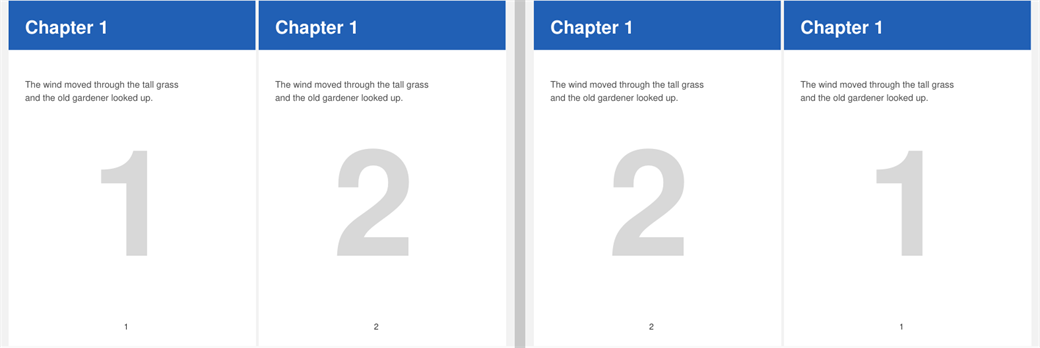
ClickEdgeToTurnPage = true, clicking the left fifth of the page area goes to the previous page and clicking the right fifth goes to the next page (sides are reversed in manga mode) (#1203).Keep view position when turning pages
With
RememberViewOffsetOnPageTurn = true, going to the next or previous page keeps the same part of the page in view instead of jumping to the top. Zoomed-in pages of similar size stay lined up (#5069).Sidebar on the right
SidebarOnRight = true puts the bookmarks / favorites sidebar on the right side of the window (#2165).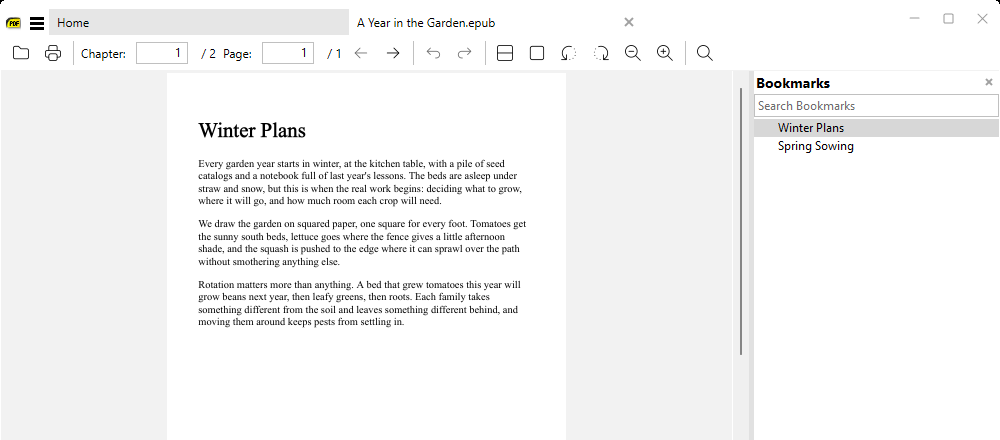
Configurable line scroll distance
ScrollLineAmount sets how far one arrow-key press or mouse-wheel line scrolls (default 16 pixels at 96 DPI) (#2447).Limit Find to a page range
The floating Find window can limit a search to a page range with Limit to pages, which accepts values such as
3,4-6,18- or 10-25 (#5694).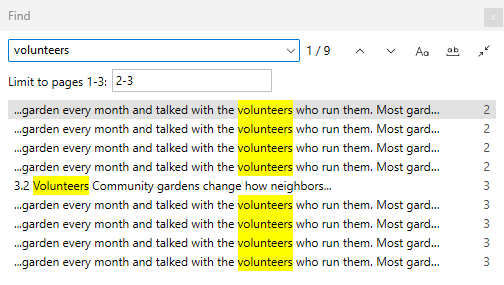
Comic chapter folders in Bookmarks
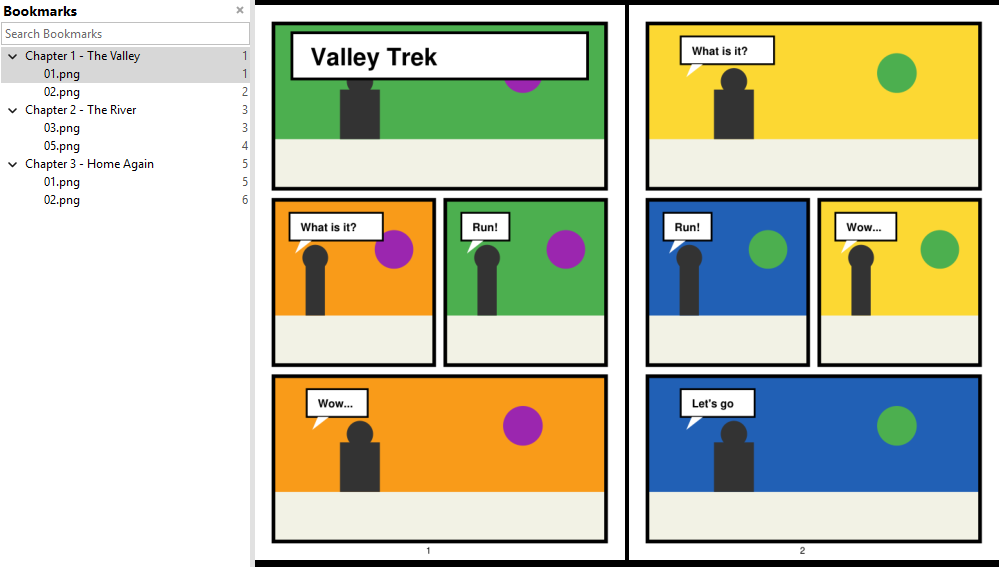
Comic archives with images in chapter folders now show those folders as nested entries in the Bookmarks sidebar (#5317).
PDF-XChange Editor v11 support
The “open in PDF-XChange” option now detects PDF-XChange Editor v11 (#5941).