Page Grid
in 3.7 pre-rel
Toggle Page Grid (View menu,
CmdTogglePageGrid) lays graph paper over the pages, like PDF-XChange’s Show Grid. Configure Page Grid… (CmdConfigurePageGrid) sets the units, spacing, subdivisions, origin, color and line style (dots, dotted or solid lines). These are saved in FixedPageUI.PageGrid, but the grid itself is only shown for the current session (#4398).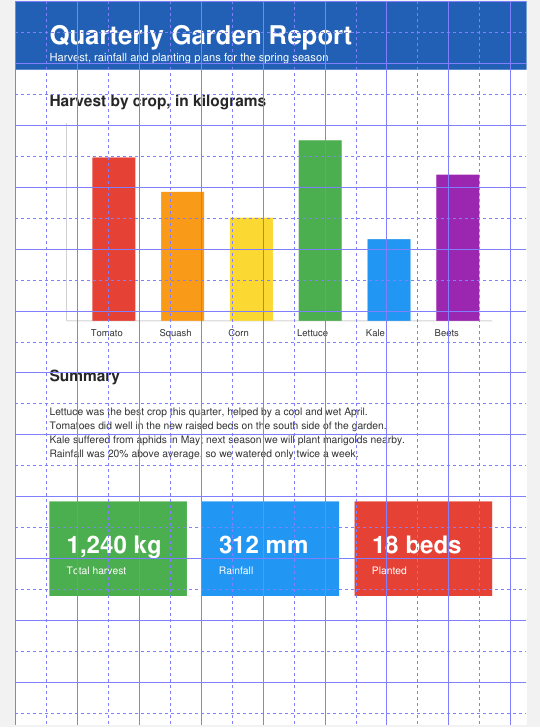
Transparency Grid
Toggle Transparency Grid (View menu,
CmdToggleTransparencyGrid) draws a checkerboard under the page, so PDFs with transparent areas (for example white elements on a see-through background) are visible, like Acrobat’s Transparency Grid. It is only on for the current session (#1809).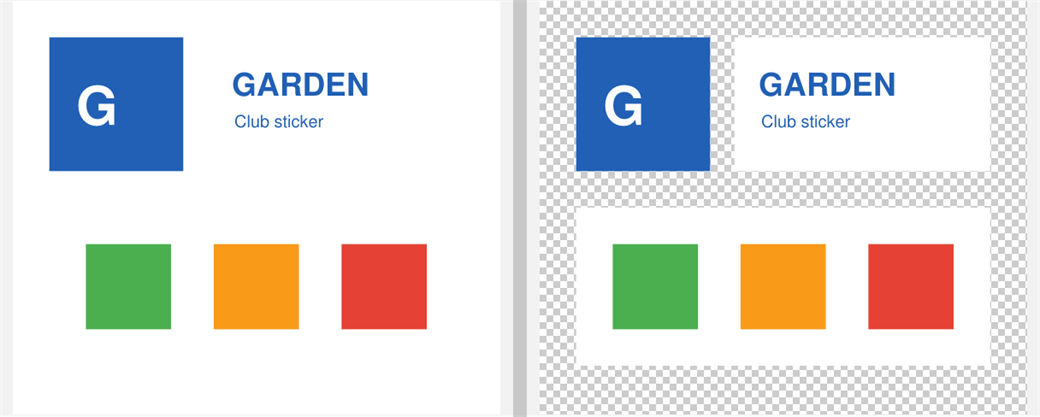
Selection toolbar layout and selection handler buttons
The built-in buttons of the floating selection toolbar can be chosen and reordered with
SelectionToolbarLayout. A SelectionHandlers entry can add its own button to the main toolbar with ToolbarText or ToolbarSvgIcon. Handlers can also use ${selectionPosition}, the selection’s position on screen, to open next to it (discussion #6015).Copy the command palette query with Ctrl+C
Ctrl + C in the command palette copies the text you typed (#5972).