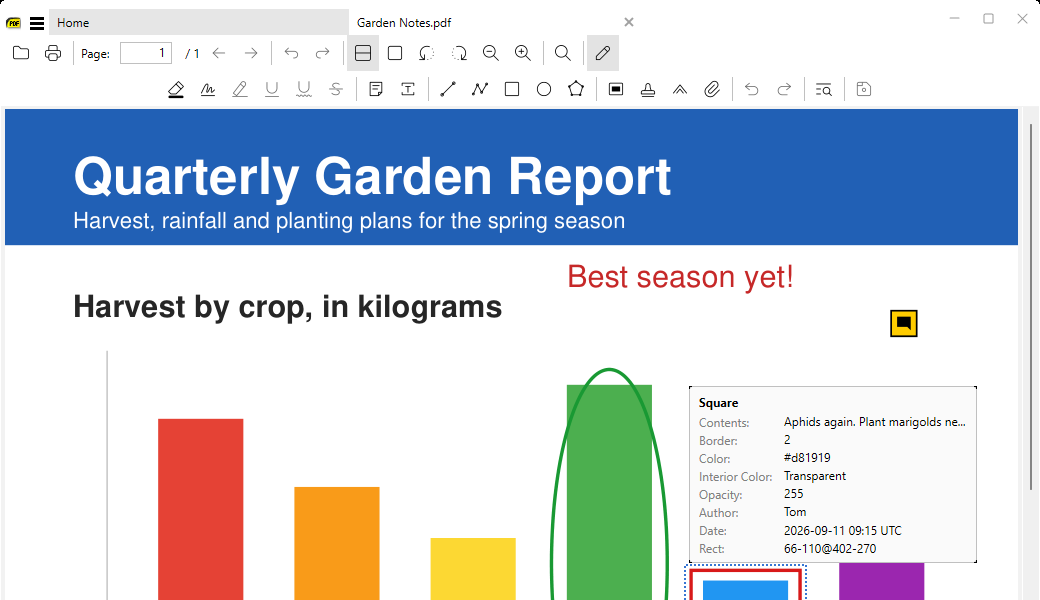
Edit PDF toolbar
in 3.7 pre-rel
PDF documents have an Edit PDF toggle at the end of the toolbar. It opens a second row of annotation tools: highlight, underline, squiggly, strike out, text, free text, lines, shapes, ink, stamps, carets and file attachments. The text markup tools are enabled only while text is selected. In Edit PDF mode, hovering an annotation shows a card with its details. Polygon, polyline and ink annotations can be moved by dragging.
Icon-based selection toolbar
The floating toolbar that appears over a text selection uses icons for all its buttons, the same icons as the annotation toolbar, and follows
ToolbarSize. SelectionToolbarLayout can reorder its buttons and add | separators (#6048).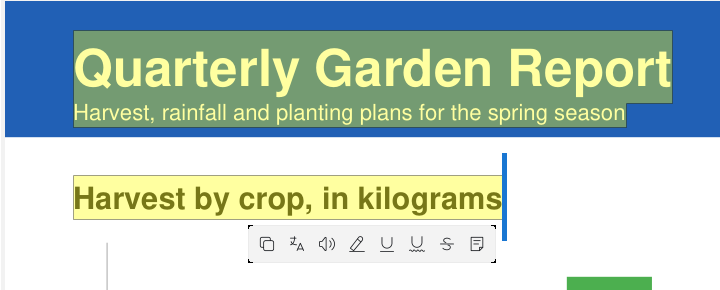
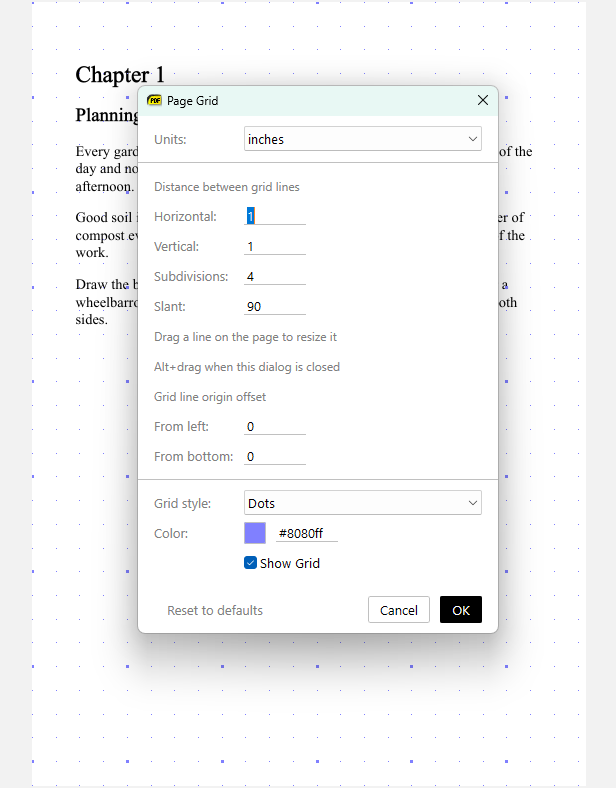
Page Grid for EPUB and a Reset button
Page Grid now works for EPUB and other reflowable ebooks too (#6039). The Configure Page Grid dialog has a Reset to defaults button.
Command palette matches keyboard shortcuts
Typing in the command palette also matches the keyboard shortcuts shown on the right, and highlights the matching part. For example, typing
ctrl + p finds Print.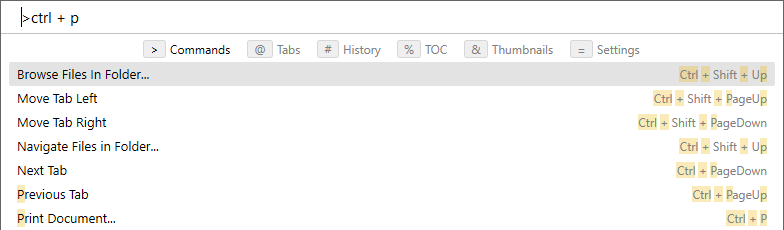
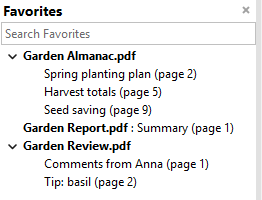
Bold file names in the Favorites tree
In the Favorites tree, file names are shown in bold. For a file with a single favorite, the file name comes first (#6043).