Page number in tabs
in 3.7 pre-rel
New
ShowPageNumberInTabs setting (off by default) shows the current page as n/N after the file name on each tab.
Toggle settings from the command palette
Type
= in the command palette to list advanced settings; press Enter or click to toggle a true/false one.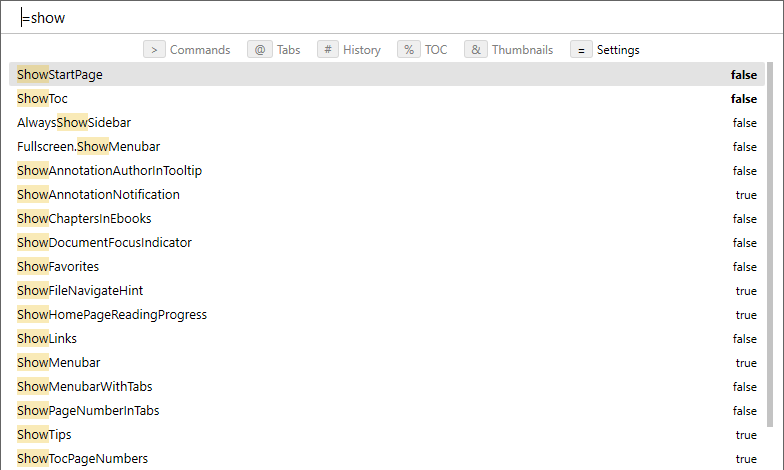
Open File Without History
Open File Without History… (
CmdOpenFileNoHistory, command palette) opens a document without adding it to File History or Windows Recent Documents (#6121).Window grows when showing bookmarks
Open PDF attachments in a tab
Clicking a file-attachment annotation that holds a PDF or another supported file type opens it in a new tab, straight from memory (discussion #4276).
Logical page count for labeled PDFs
In PDFs with page labels, such as roman-numbered front matter, the toolbar shows the labeled page count alongside the physical page count.
Letter shortcuts in bookmark trees
In the Bookmarks and Favorites trees, single-letter shortcuts run their commands instead of jumping to an entry. Arrows, Enter and Space still navigate.