Grayscale page rendering
in 3.7 pre-rel
New Toggle Grayscale command (
CmdToggleGrayscale, command palette) renders document pages in grayscale. The choice is remembered in the FixedPageUI.Grayscale setting (#6207).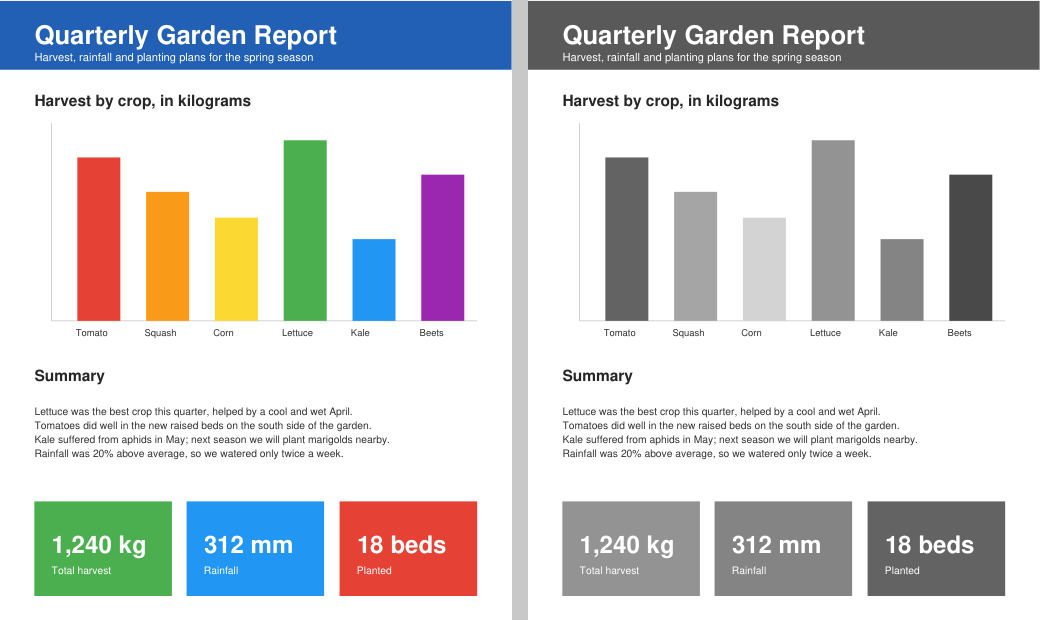
Read aloud from cursor position
New Start Reading From Cursor Position command (
CmdReadAloudFromCursorPosition) starts Read Aloud at the text under the mouse cursor. It has no default shortcut, so you can bind your own; from the command palette it uses where the mouse was before the palette opened (discussion #6213).Border width for more annotation types
The
borderwidth argument of the CmdCreateAnnot* commands now also works for line, polyline, polygon, square and circle annotations, not only free text and ink (discussion #6208).Annotation placement from the command palette
Choosing an annotation tool such as Ink, Line or Square from the command palette now starts the same on-page placement mode as the Edit PDF toolbar, instead of creating a default annotation right away.
Right-click toolbar drop-downs stay open
A toolbar drop-down opened with a right-click now stays open until you press Esc or click the page.