Sign Document improvements
in 3.7 pre-rel
Signing PDFs got several new options. Sign Document can use a certificate from your Windows certificate store, not only a
.pfx / .p12 file (#5965). A new signature is placed where you click or drag on the page (#5967). You can choose which lines the signature shows (labels, name, distinguished name, date) and add a PNG or JPEG image (#5963). Clicking an empty signature field in a PDF opens Sign Document with that field already selected (#5964).Signature details in Document Properties
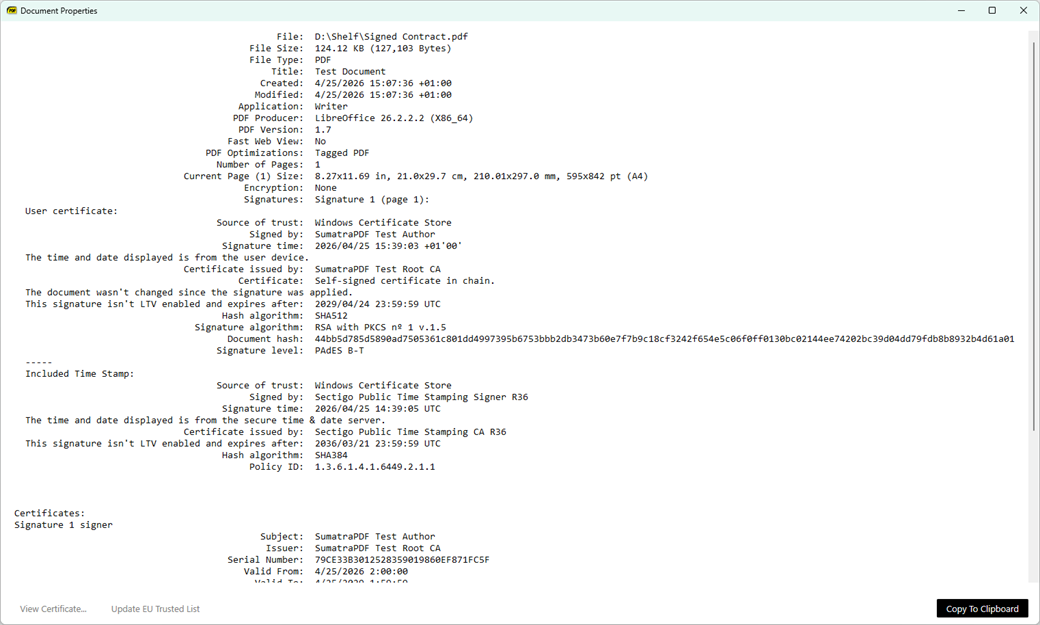
For digitally signed PDFs, Document Properties now shows the hash and signature algorithms, issuer and expiry, LTV status, RFC 3161 timestamps, PAdES level, and whether the certificate is on the EU Trusted List. View Certificate… opens the Windows certificate dialog, and Update EU Trusted List downloads the EU list (#5581).
Insert Image onto a PDF page
Insert Image (the Document context menu, and Image From File… in the Create annotation menu) lets you pick an image file and place it on a PDF page as a stamp (#1744).
Highlight empty form fields
Empty fillable PDF form fields are now highlighted in pale blue, so you can see them without hovering. Turn this on or off with View → Highlight Form Fields,
CmdToggleHighlightFormFields, or the HighlightFormFields setting (on by default) (#5966).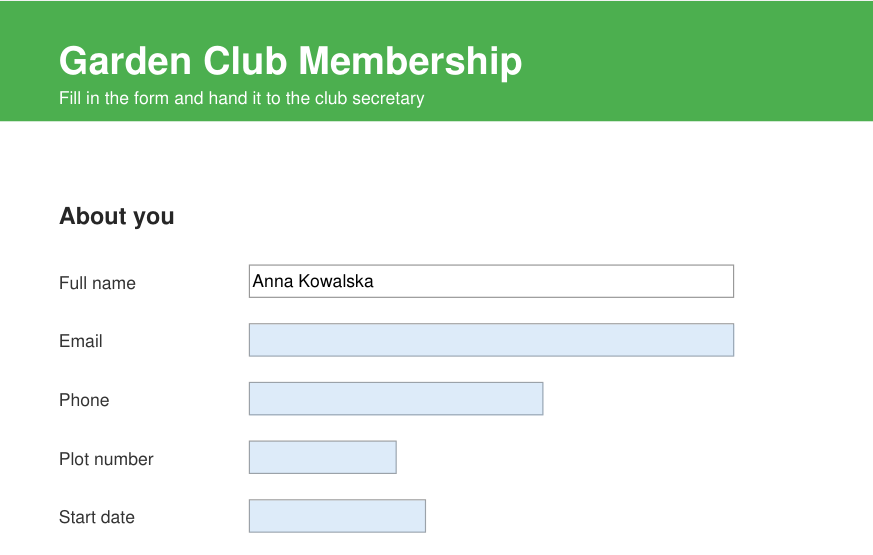
Highlight link destinations
When you follow an internal link or bookmark, the destination (a bibliography entry, a figure, and so on) can flash briefly so you can see where you landed. Turn it on with
HighlightLinkDestination = true (#1085, #5945).Find history drop-down
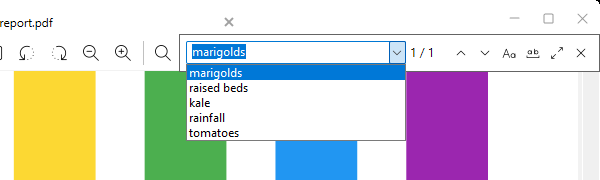
The Find field remembers your last 10 searches in this session and offers them in a drop-down (#893).
Select and delete many annotations
Show PDF page boxes
Toggle Page Boxes (
CmdTogglePageBoxes, in the command palette and the Debug menu) draws the MediaBox, CropBox, BleedBox, TrimBox and ArtBox outlines on each visible page and labels them. This is useful when you prepare PDFs for print (#814).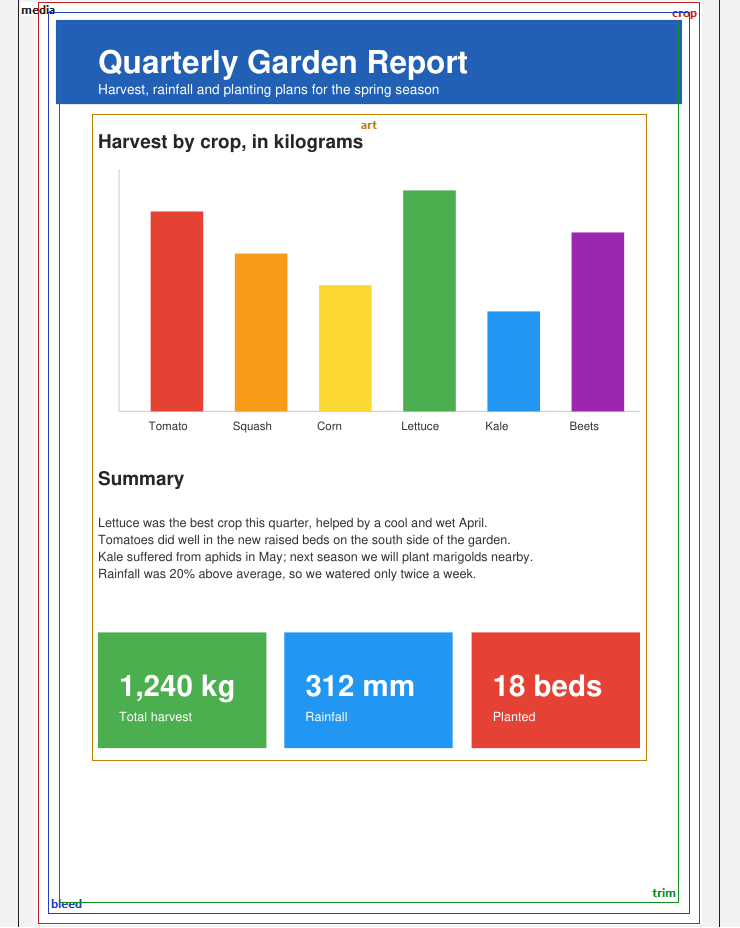
Command Palette improvements
Type
% in the Command Palette to see the current document’s table of contents. Ctrl + A selects the query, Home / End jump to the first / last match, and Page Up / Page Down move a page at a time (#5972).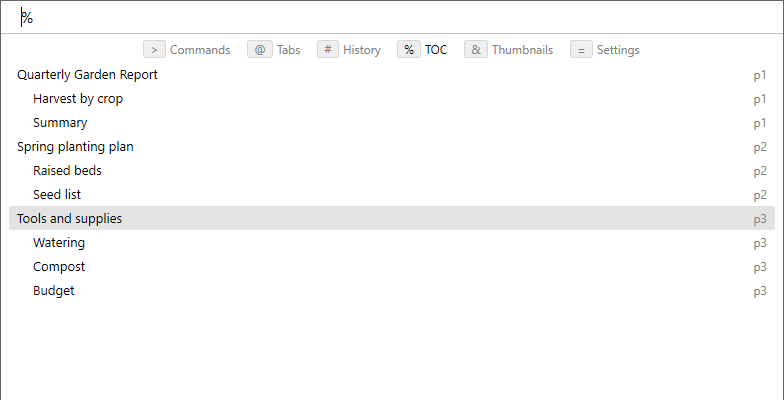
AltGr in keyboard shortcuts
Custom keyboard shortcuts can use
AltGr (also RAlt / RightAlt) as a modifier, so bindings like AltGr + Return work. Set Screenshot Hotkey can now record Return and the arrow keys when a modifier is held (#5973).Zoom and pan in Explorer preview
In the File Explorer and Outlook preview pane, Ctrl + wheel zooms and dragging pans when you are zoomed in. Double-click goes back to fit-page (#859).
New file-format support: AZW4 and WebP in ebooks
Transparent images kept transparent
MuPDF 1.28.2
The bundled MuPDF rendering engine was updated to 1.28.2.